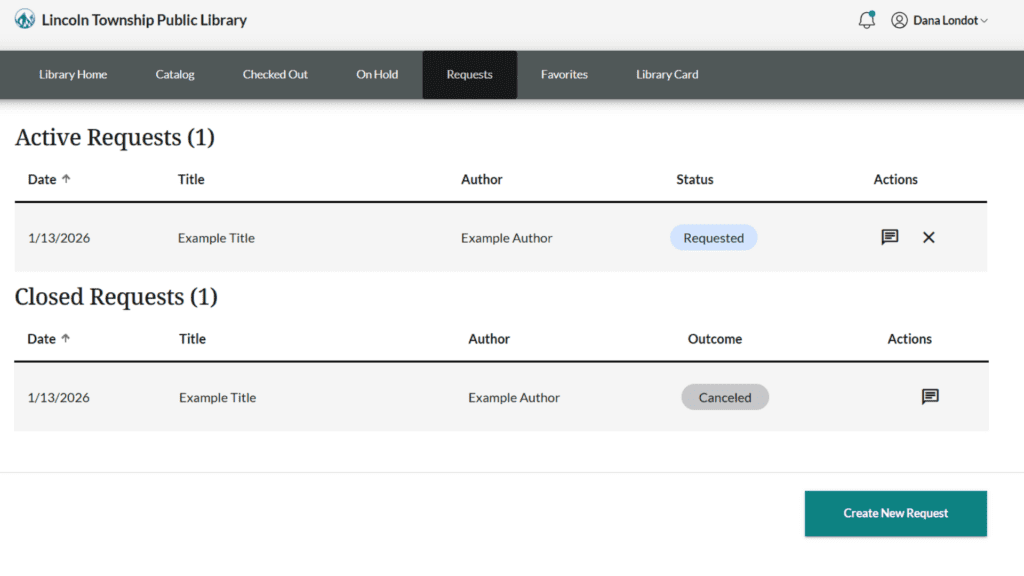
Item requests will now be processed through your Simplicity account. You can request up to 3 items a month to be purchased for the library. Please limit your request to recently released items that are not found in our catalog.
For items not purchased, staff will make every effort to find the item in our MelCat system.
How to Request Items
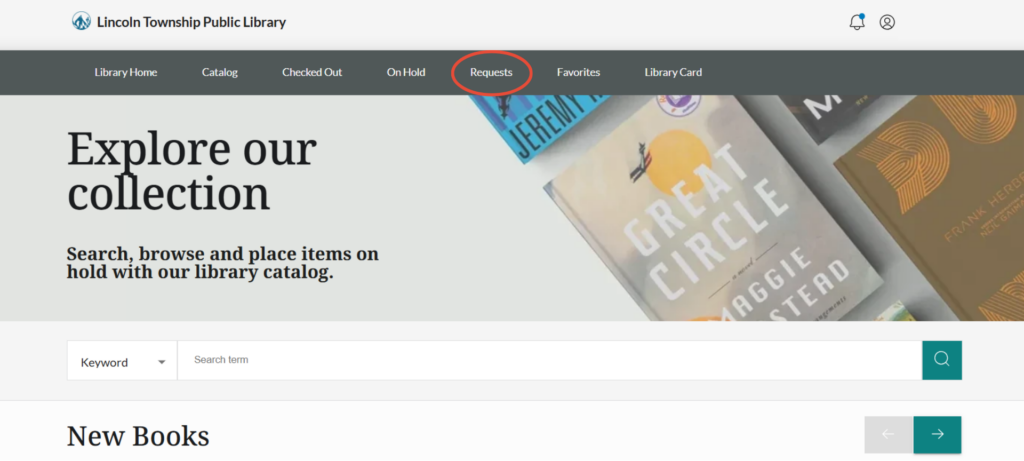
1. Login to your account and select “Requests”
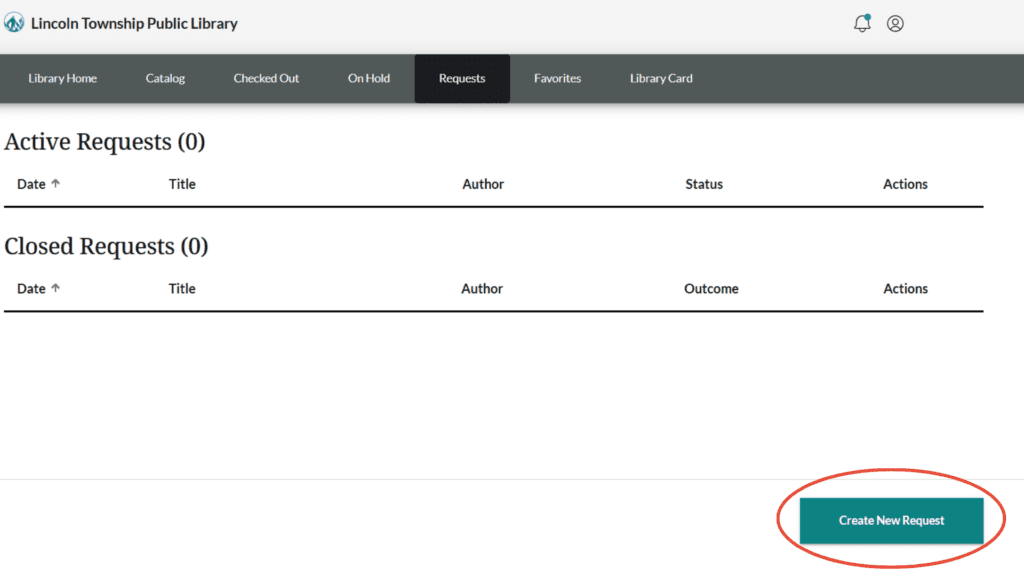
2. Select “Create New Request” on the bottom right
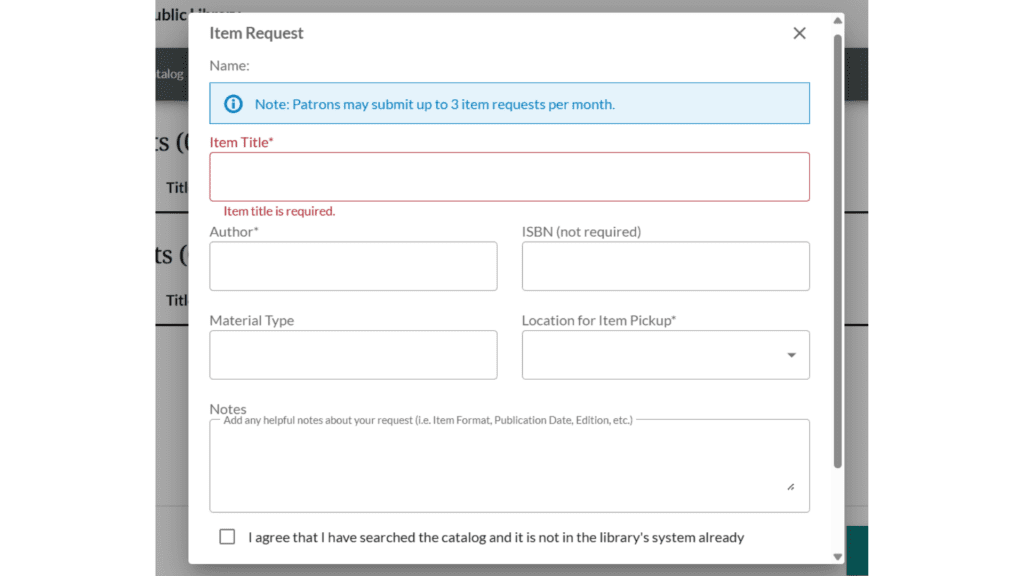
3. Fill in the items information; Title, Author, Material Type, and pick up location, then submit
4. Any messages or updates will appear on the “Request” screen. You can update, adjust, or cancel any previous request through here.